You can import mapping files programmatically using the REST API
instead of the web UI. This is useful for CI/CD pipelines and automation scripts.
Send a POST request to /http/management/importMappings
with the file(s) as a multipart form upload:
# Import a single file (HAR, OpenAPI/Swagger, RAML, or WireMock ZIP)
curl -X POST http://localhost:8080/http/management/importMappings \
  -F "files[]=@capture.har"

# Import multiple files at once
curl -X POST http://localhost:8080/http/management/importMappings \
  -F "files[]=@api-spec.yaml" \
  -F "files[]=@capture.har"
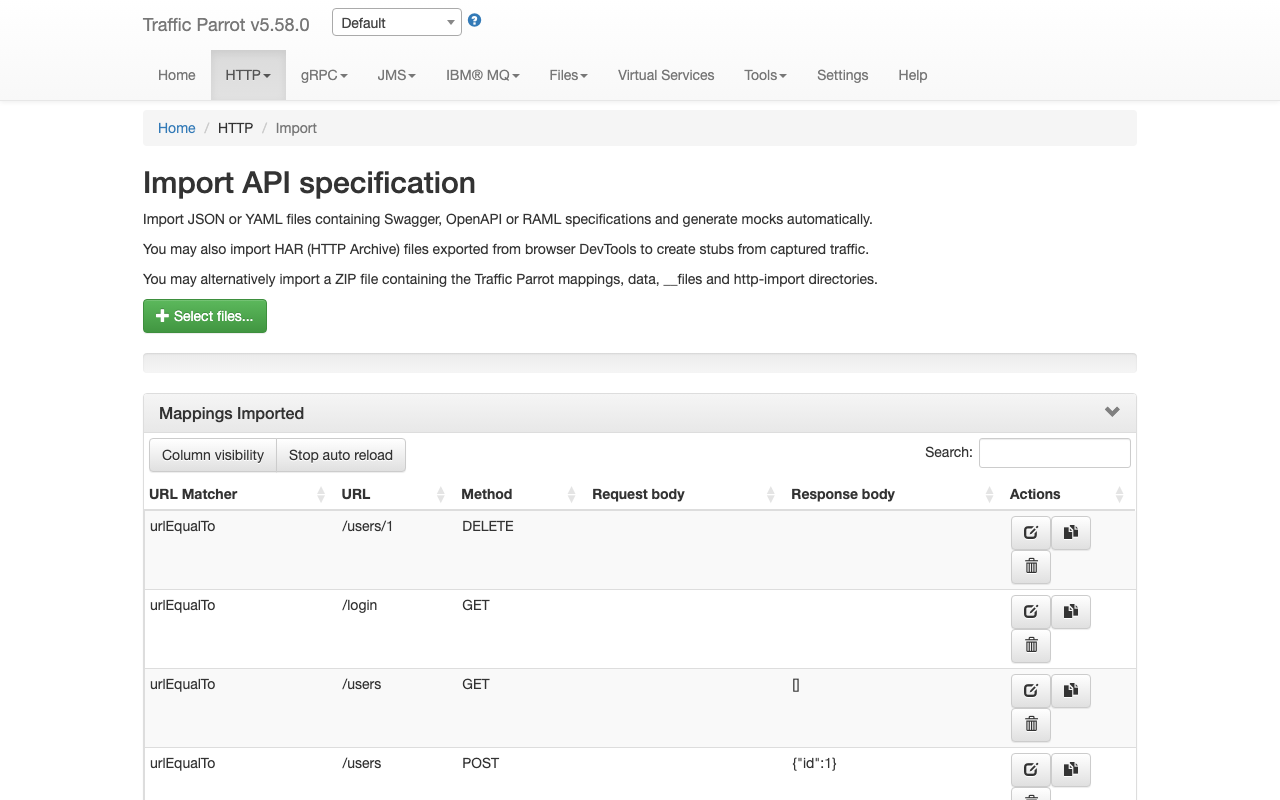
On success, the response contains the IDs of the imported mappings:
{"mappings":["id1","id2",...]}
On failure, the response returns HTTP 400 with an error message:
{"result":"error message"}
This endpoint supports all supported import formats:
HAR, Swagger/OpenAPI, RAML, and WireMock ZIP.
Preview before importing
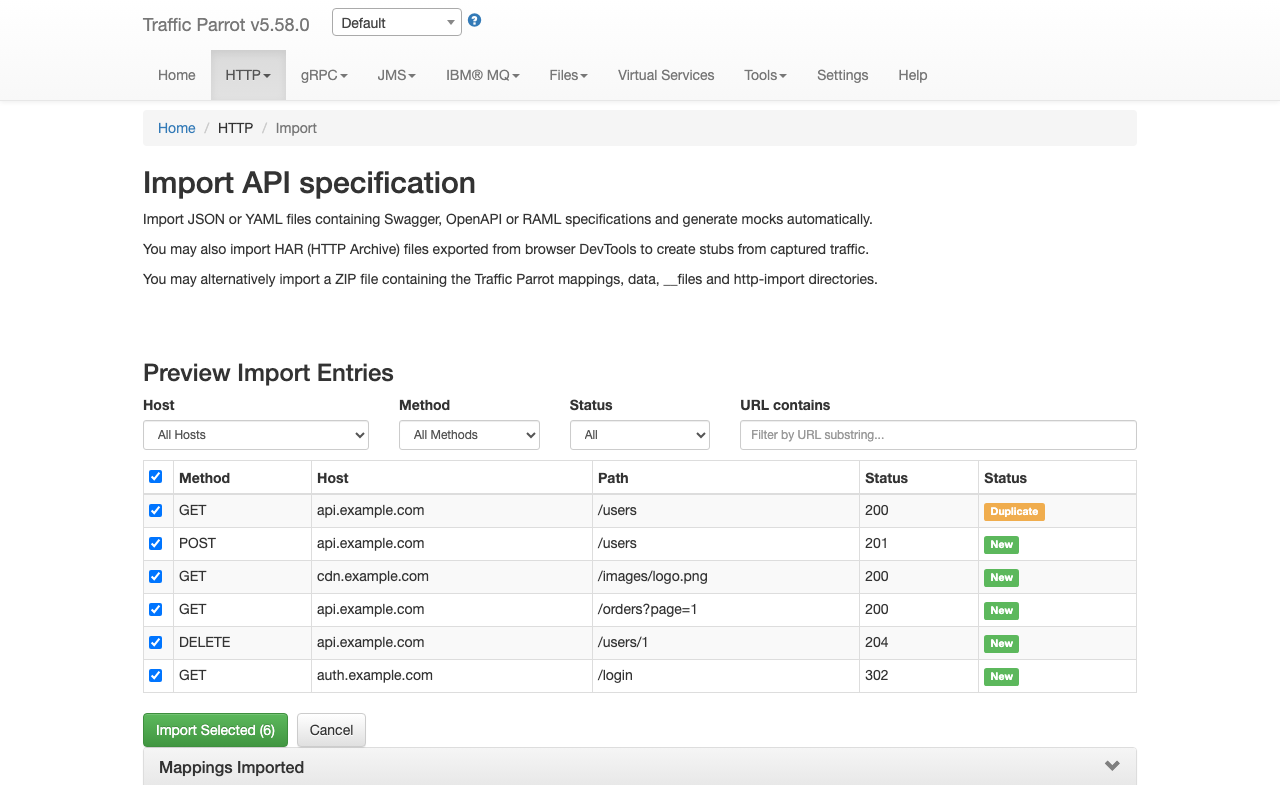
You can preview the entries that would be created before committing to an import.
Send a POST request to /http/management/previewImport:
curl -X POST http://localhost:8080/http/management/previewImport \
  -F "file=@capture.har"
The response contains a list of entries with their method, host, path, and status code:
{
  "previewSupported": true,
  "entries": [
    {"index": 0, "method": "GET", "host": "api.example.com", "pathWithQuery": "/users", "statusCode": 200, "duplicate": false},
    {"index": 1, "method": "POST", "host": "api.example.com", "pathWithQuery": "/users", "statusCode": 201, "duplicate": false}
  ],
  "hosts": ["api.example.com"],
  "methods": ["GET", "POST"]
}
For file types that do not support preview (RAML, WireMock ZIP), the response returns
{"previewSupported": false}.
Filtered import
To import only specific entries, send a POST request to
/http/management/importSelectedEntries with the file and filter parameters:
# Import specific entries by index (from the preview response)
curl -X POST http://localhost:8080/http/management/importSelectedEntries \
  -F "file=@capture.har" \
  -F "selectedIndices=0,2,5"

# Import entries matching filter criteria
curl -X POST http://localhost:8080/http/management/importSelectedEntries \
  -F "file=@capture.har" \
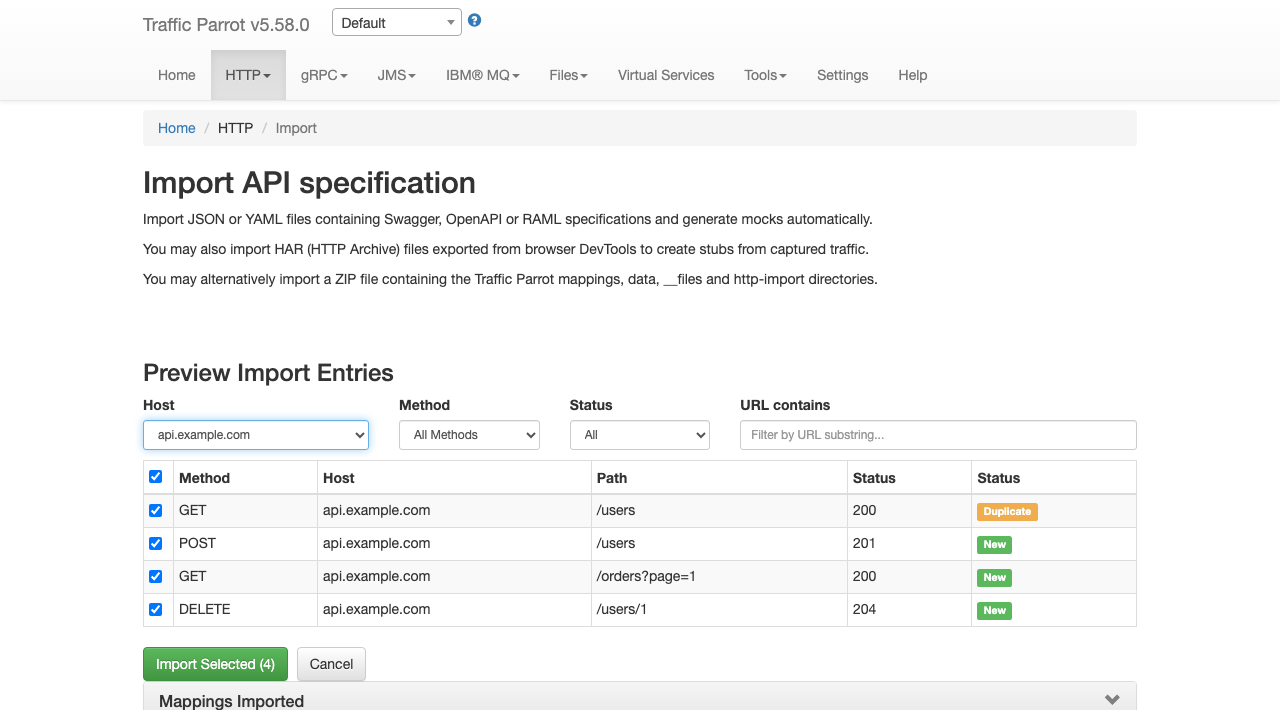
  -F "hostFilter=api.example.com,auth.example.com" \
  -F "methodFilter=GET,POST" \
  -F "statusFilter=2xx,4xx" \
  -F "urlFilter=/api/v1,/users"
Available filter parameters (all accept comma-separated values):
| Parameter |
Description |
selectedIndices |
Entry indices from the preview response (e.g. 0,2,5). Takes precedence over other filters. |
hostFilter |
Include only entries matching these hosts (e.g. api.example.com,auth.example.com) |
methodFilter |
Include only entries matching these HTTP methods (e.g. GET,POST) |
statusFilter |
Include only entries matching these status ranges (e.g. 2xx,4xx) |
urlFilter |
Include only entries whose URL contains one of these substrings (e.g. /api/v1,/users) |
Filters combine with AND logic across filter types and OR logic within
each filter type. For example, hostFilter=api.example.com&methodFilter=POST,PUT
imports POST and PUT requests to api.example.com.
If no filter parameters or indices are provided, all entries are imported.


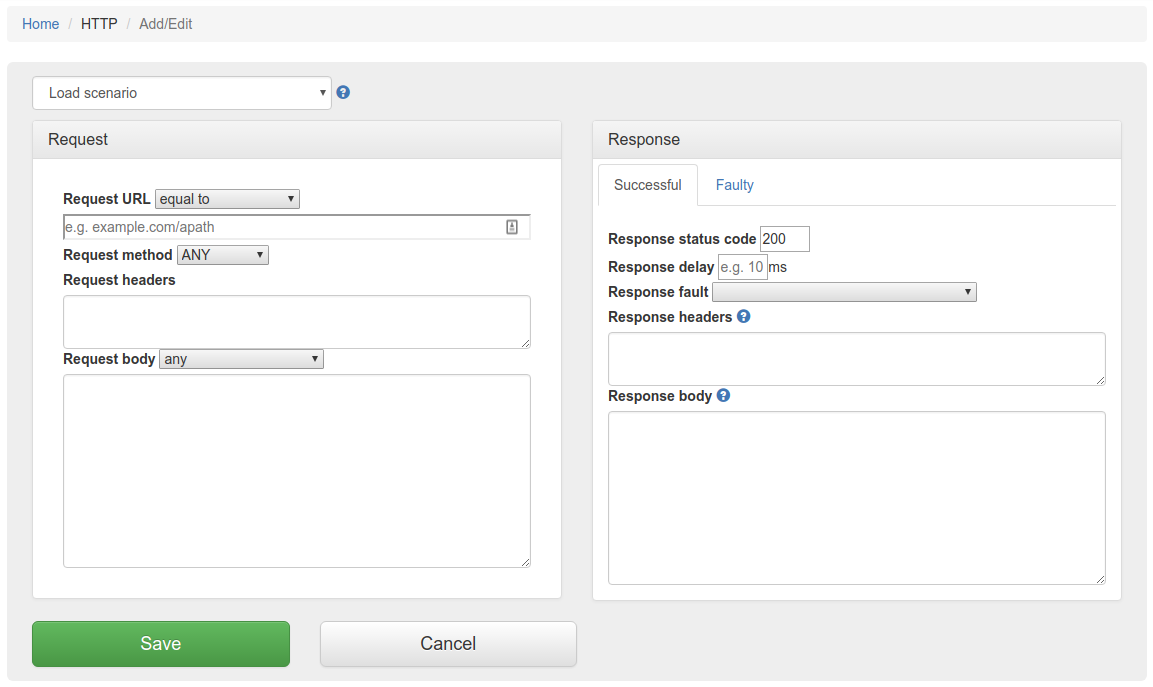

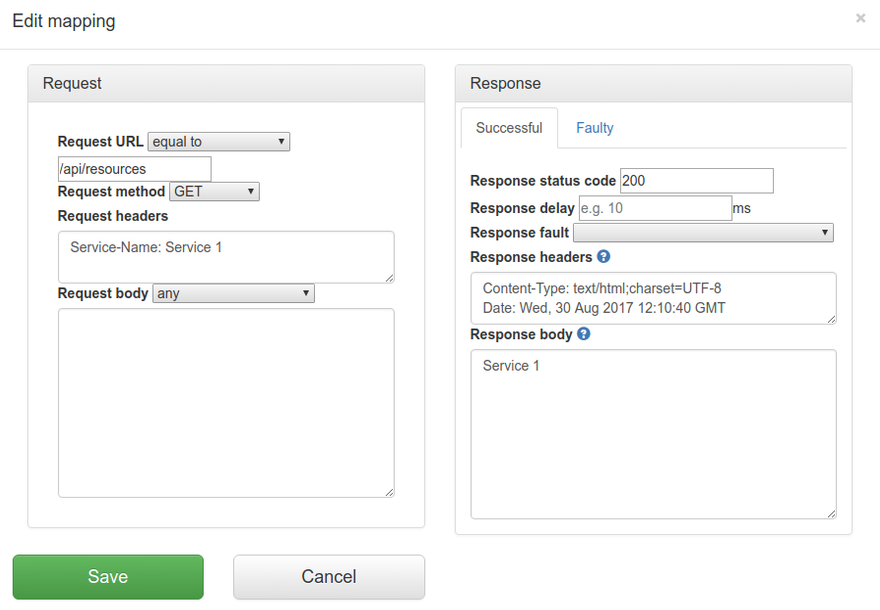
 will
allow you to edit an existing mapping.
will
allow you to edit an existing mapping.
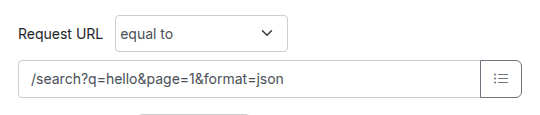
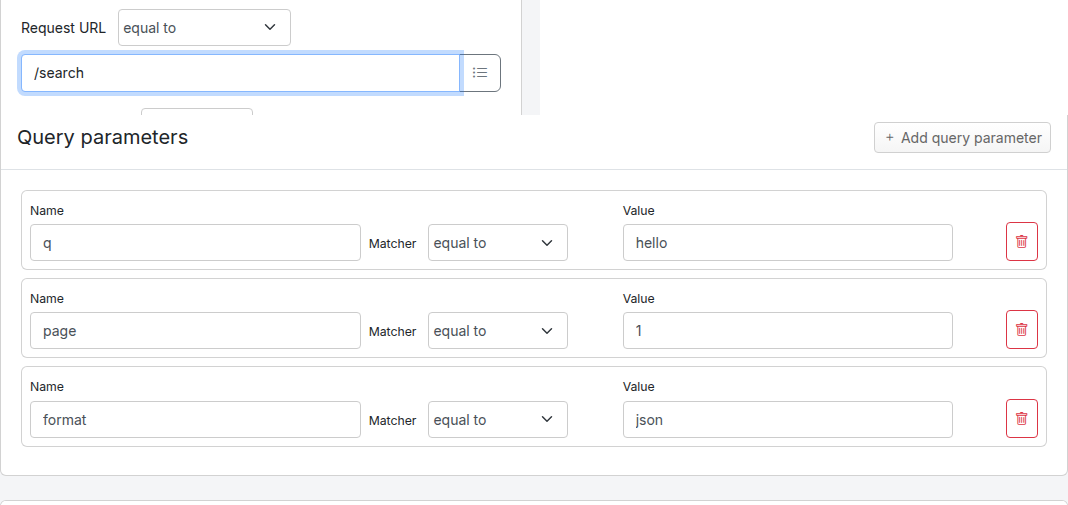
![Query parameters panel on the Edit Mapping form, showing three example rows: q equal to hello, page matches regex [0-9]+, and debug absent.](img/http/add-edit-query-parameters.png)
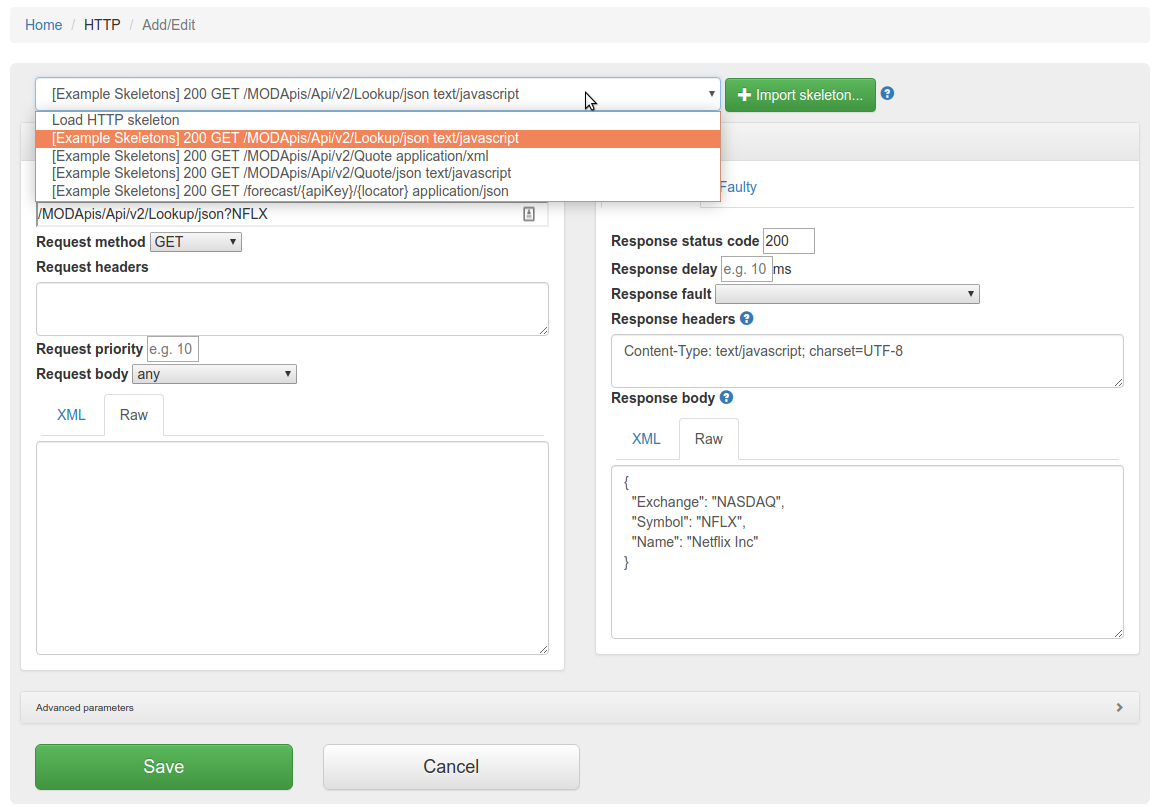
 button to import OpenAPI files. If you import a file with the same name
as a file that was previously imported, it will be overwritten.
button to import OpenAPI files. If you import a file with the same name
as a file that was previously imported, it will be overwritten.