You can import mapping files programmatically using the REST API
instead of the web UI. This is useful for CI/CD pipelines and automation scripts.
Send a POST request to /http/management/importMappings
with the file(s) as a multipart form upload:
# Import a single file (HAR, OpenAPI/Swagger, RAML, or WireMock ZIP)
curl -X POST http://localhost:8080/http/management/importMappings \
  -F "files[]=@capture.har"

# Import multiple files at once
curl -X POST http://localhost:8080/http/management/importMappings \
  -F "files[]=@api-spec.yaml" \
  -F "files[]=@capture.har"
On success, the response contains the IDs of the imported mappings:
{"mappings":["id1","id2",...]}
When part of an upload could not be imported but at least one mapping was, the response
also carries a warnings array with one message per file, or part of a file,
that could not be converted into a mapping. An upload from which nothing could be
imported is refused with HTTP 400 instead.
{"mappings":["id1"],"warnings":["Did not find any mappings to import in other-file.yaml!"]}
Each imported mapping is registered under a fresh id and records the name of the
uploaded file it came from as tp.import.source in its
metadata. Importing a file of the same name again first removes the
mappings its previous import registered, so a re-import replaces the earlier
import rather than adding a second copy of each mapping. A mapping registered
any other way is not removed by an import, but an imported mapping is written to
the file its name maps to: a mapping whose name ends in .json is
written to the file of that name, so importing an instance's own export writes
each such mapping over the file of the mapping it was exported from, and the
imported mapping takes its place.
On failure, the response returns HTTP 400 with an error message:
{"result":"error message"}
An upload larger than trafficparrot.multipart.upload.max.size.mb
(default 10 MB) is rejected with HTTP 413 and a {"result": …} error body,
and the mappings are not imported.
This endpoint supports all supported import formats:
HAR, Swagger/OpenAPI, RAML, Pact, and WireMock ZIP.
Preview before importing
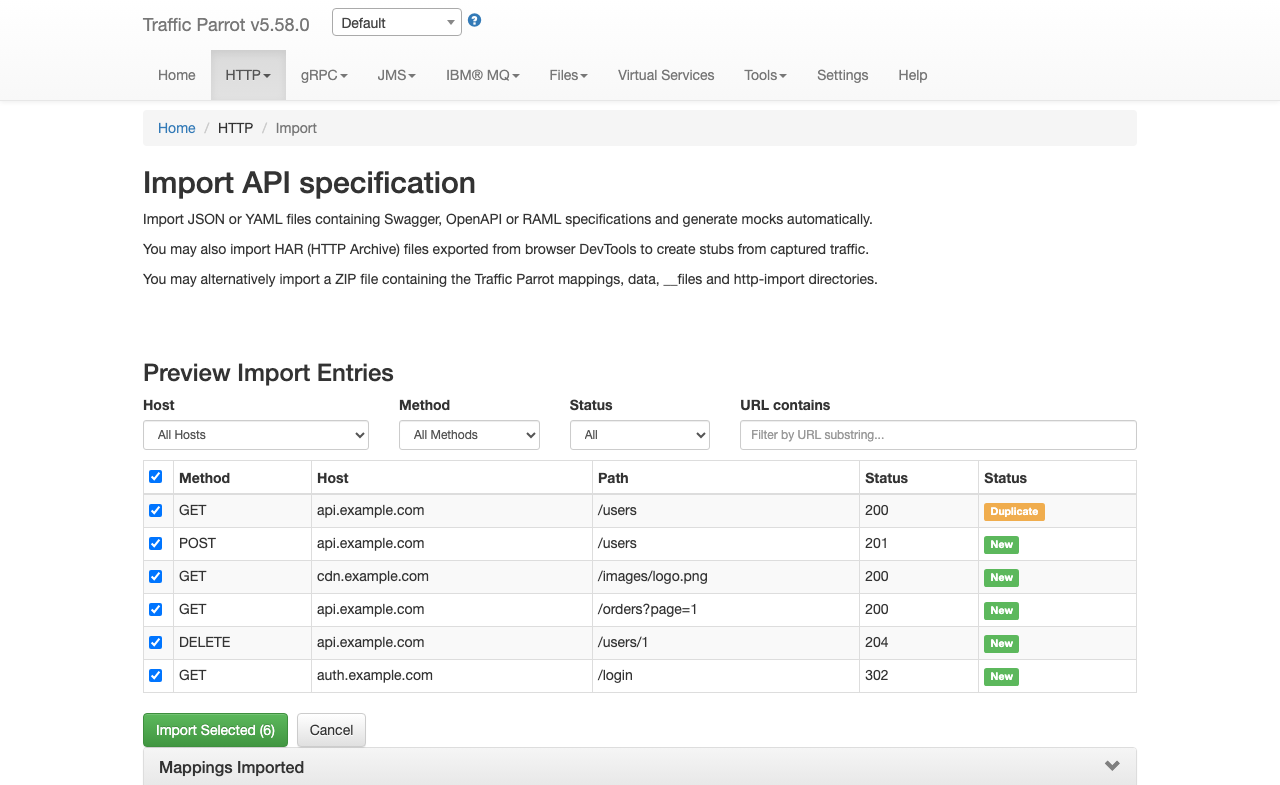
You can preview the entries that would be created before committing to an import.
Send a POST request to /http/management/previewImport:
curl -X POST http://localhost:8080/http/management/previewImport \
  -F "file=@capture.har"
The response contains a list of entries with their method, host, path, and status code:
{
  "previewSupported": true,
  "entries": [
    {"index": 0, "method": "GET", "host": "api.example.com", "path": "/users", "pathWithQuery": "/users", "statusCode": 200, "name": "[HAR Import] 200 GET /users", "duplicate": false},
    {"index": 1, "method": "POST", "host": "api.example.com", "path": "/users", "pathWithQuery": "/users", "statusCode": 201, "name": "[HAR Import] 201 POST /users", "duplicate": false}
  ],
  "hosts": ["api.example.com"],
  "methods": ["GET", "POST"]
}
For file types that do not support preview (RAML, WireMock ZIP), the response returns
{"previewSupported": false}.
Filtered import
To import only specific entries, send a POST request to
/http/management/importSelectedEntries with the file and filter parameters:
# Import specific entries by index (from the preview response)
curl -X POST http://localhost:8080/http/management/importSelectedEntries \
  -F "file=@capture.har" \
  -F "selectedIndices=0,2,5"

# Import entries matching filter criteria
curl -X POST http://localhost:8080/http/management/importSelectedEntries \
  -F "file=@capture.har" \
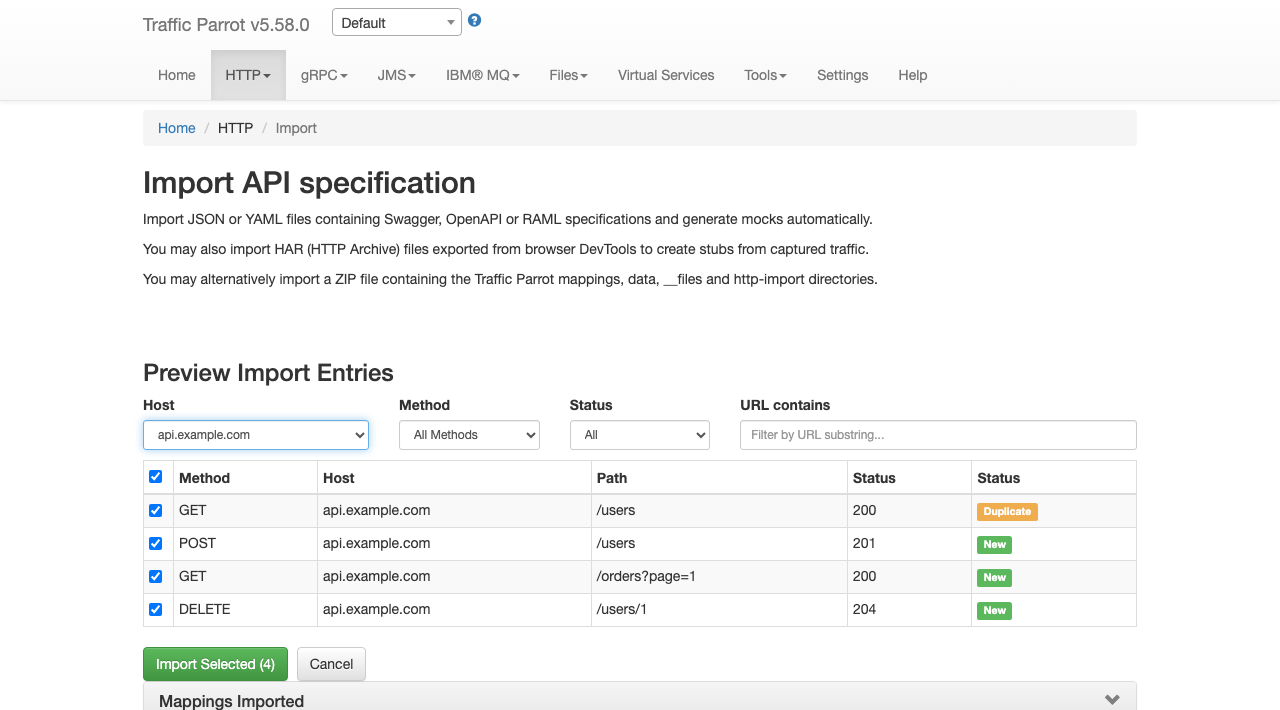
  -F "hostFilter=api.example.com,auth.example.com" \
  -F "methodFilter=GET,POST" \
  -F "statusFilter=2xx,4xx" \
  -F "urlFilter=/api/v1,/users"
Available filter parameters (all accept comma-separated values):
| Parameter |
Description |
selectedIndices |
Entry indices from the preview response (e.g. 0,2,5). Takes precedence over other filters. |
hostFilter |
Include only entries matching these hosts (e.g. api.example.com,auth.example.com) |
methodFilter |
Include only entries matching these HTTP methods (e.g. GET,POST) |
statusFilter |
Include only entries matching these status ranges (e.g. 2xx,4xx) |
urlFilter |
Include only entries whose URL contains one of these substrings (e.g. /api/v1,/users) |
Filters combine with AND logic across filter types and OR logic within
each filter type. For example, hostFilter=api.example.com&methodFilter=POST,PUT
imports POST and PUT requests to api.example.com.
If no filter parameters or indices are provided, all entries are imported.
Both /http/management/importMappings and
/http/management/importSelectedEntries accept an optional
preserveAllHeaders parameter, the REST equivalent of the
Preserve full fidelity (all headers)
checkbox in the UI. Set it to true to turn every recorded request header
into an exact request matcher and emit every recorded response header on the stub
response. Omit it (or set it to false) for the default flexible behaviour.
# Direct upload, preserving all headers
curl -X POST http://localhost:8080/http/management/importMappings \
  -F "files[]=@capture.har" \
  -F "preserveAllHeaders=true"

# Filtered import, preserving all headers
curl -X POST http://localhost:8080/http/management/importSelectedEntries \
  -F "file=@capture.har" \
  -F "selectedIndices=0,2,5" \
  -F "preserveAllHeaders=true"
Resolving duplicate entries
When a selected entry duplicates an existing stub (same method and exact
URL), you can control what happens to it, the REST equivalent of the
conflict-resolution dropdowns in the UI.
Pass an optional conflict-strategy parameter to set the action
for every duplicate in the request, and an optional
conflictStrategies parameter to override it for individual
entries by index:
# Overwrite every duplicate with the imported entry
curl -X POST http://localhost:8080/http/management/importSelectedEntries \
  -F "file=@capture.har" \
  -F "selectedIndices=0,1,2" \
  -F "conflict-strategy=overwrite"

# Skip duplicates by default, but overwrite entry 0 and import entry 2 as a new stub
# (conflict-strategy must be given too, or conflictStrategies is ignored and every entry is added)
curl -X POST http://localhost:8080/http/management/importSelectedEntries \
  -F "file=@capture.har" \
  -F "selectedIndices=0,1,2" \
  -F "conflict-strategy=skip" \
  -F "conflictStrategies=0:overwrite,2:importAsNew"
| Parameter |
Description |
preserveAllHeaders |
true keeps every recorded request header (as an exact matcher, including Content-Type) and every recorded response header; absent or false gives the default flexible stub (method, URL and request Content-Type matcher; response status, body and Content-Type). |
conflict-strategy |
Action for every duplicate entry in the request: skip (the default), overwrite, or importAsNew. Omit the parameter entirely for the previous behaviour, where every selected entry is added and duplicates are ignored. |
conflictStrategies |
Per-entry overrides as comma-separated index:action pairs (e.g. 0:overwrite,2:importAsNew), where index is the entry's index from the preview. An entry's own strategy takes precedence over the request-level conflict-strategy. |
This parameter affects HAR imports only; it is ignored
for other formats. Full fidelity makes stubs strict, so review the
caution above before enabling it for
reusable stubs. HTTP/2 pseudo-headers are excluded automatically.
overwrite removes every existing stub that matches the entry's
method and URL before adding the imported one; importAsNew keeps
the existing stub and adds the imported one under a disambiguated name
(<name> (copy)). As in the UI, duplicate detection is an
exact method-and-URL match, so an existing stub that matches its URL by pattern
or regular expression is not treated as a duplicate.


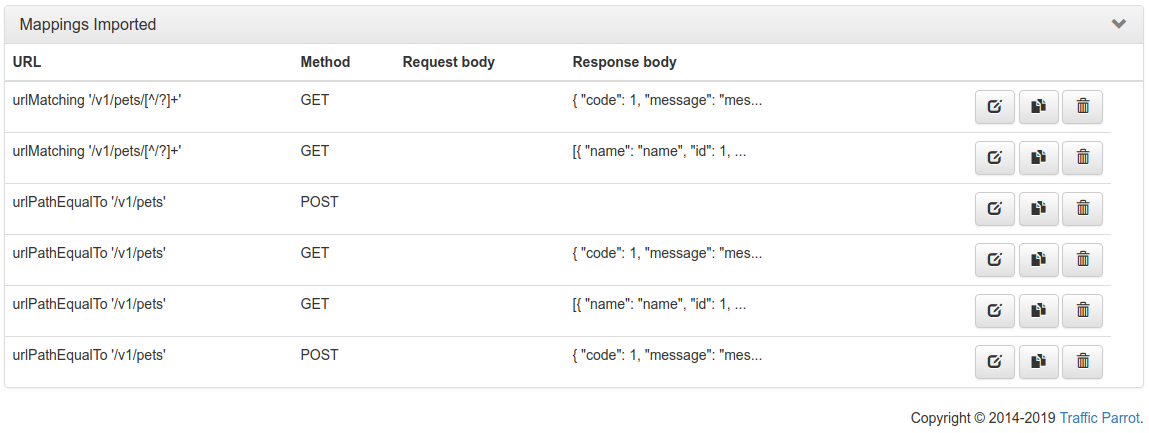
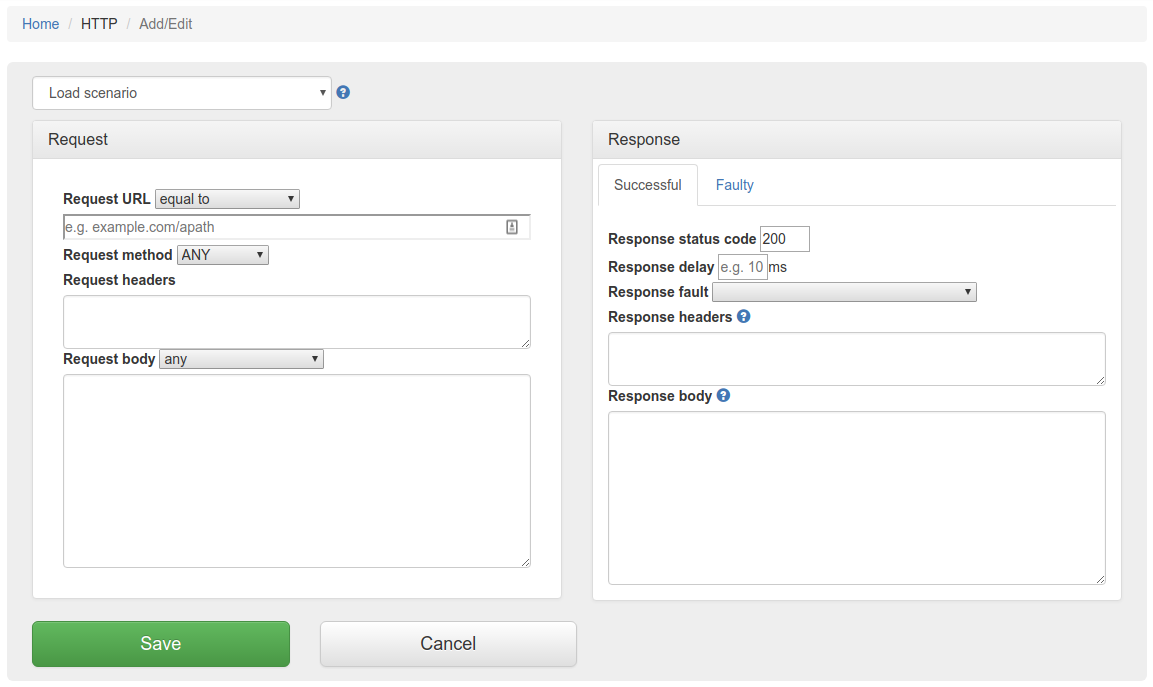

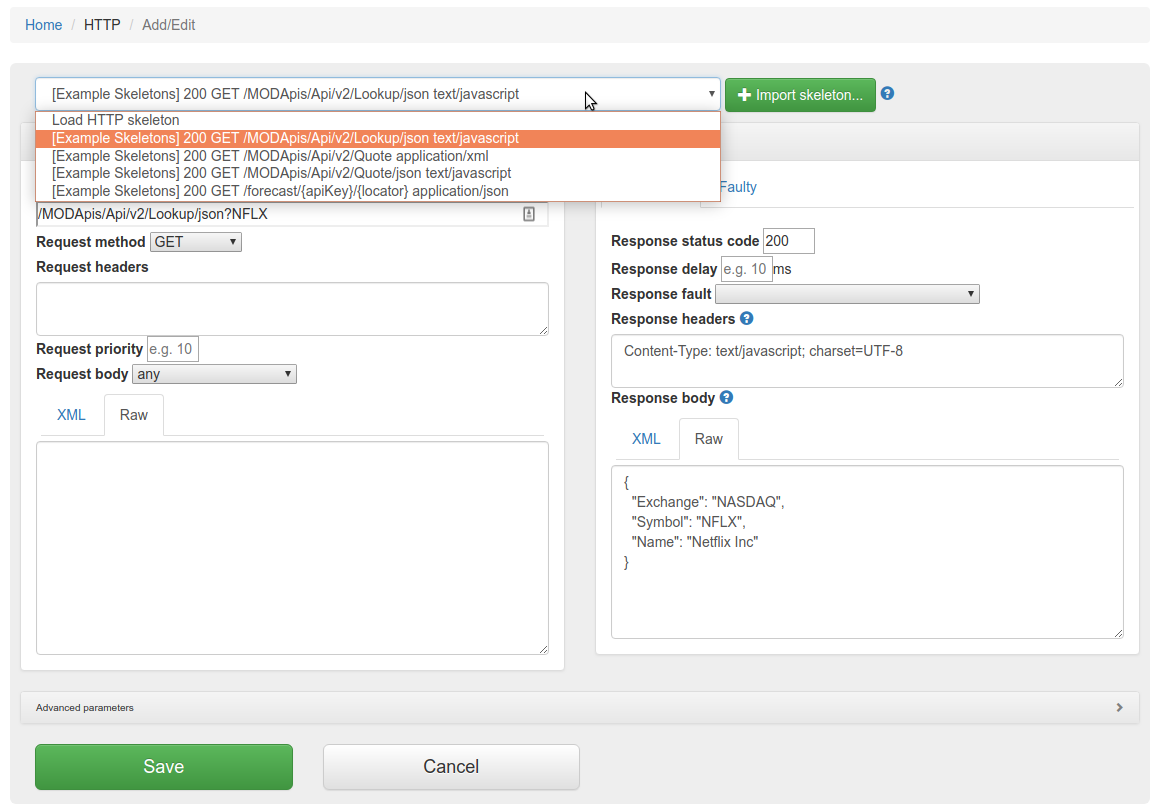
 will
allow you to edit an existing mapping.
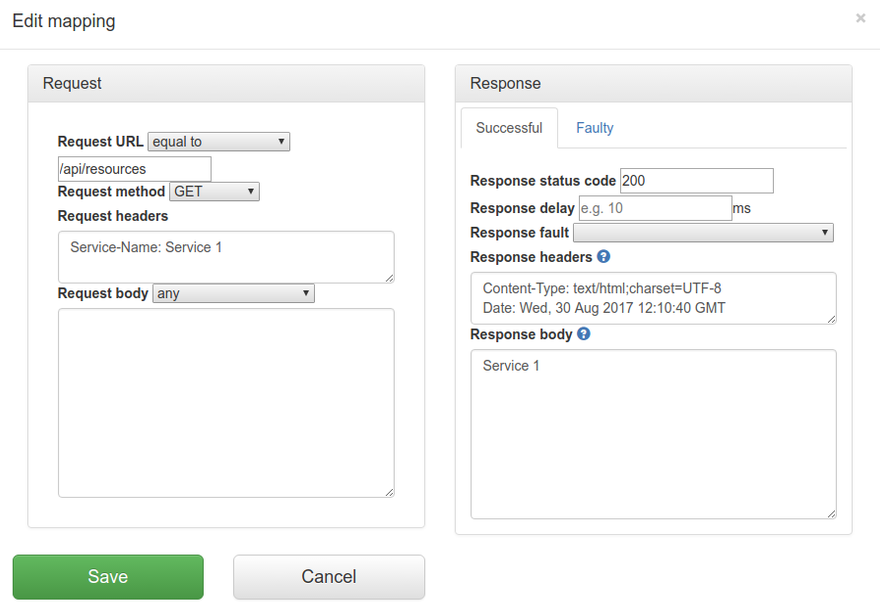
will
allow you to edit an existing mapping.
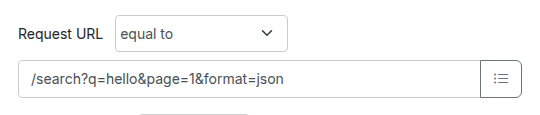
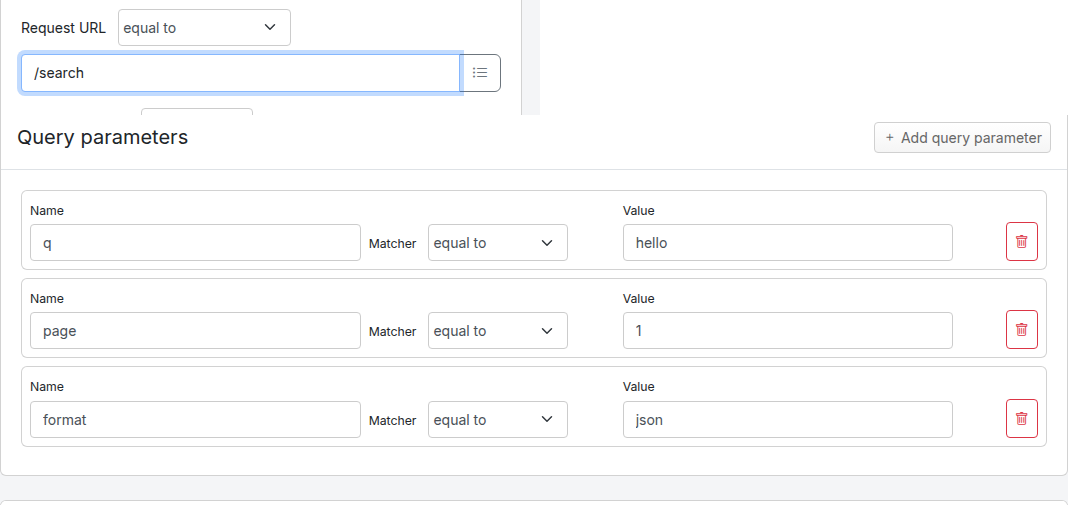
![Query parameters panel on the Edit Mapping form, showing three example rows: q equal to hello, page matches regex [0-9]+, and debug absent.](img/http/add-edit-query-parameters.png)
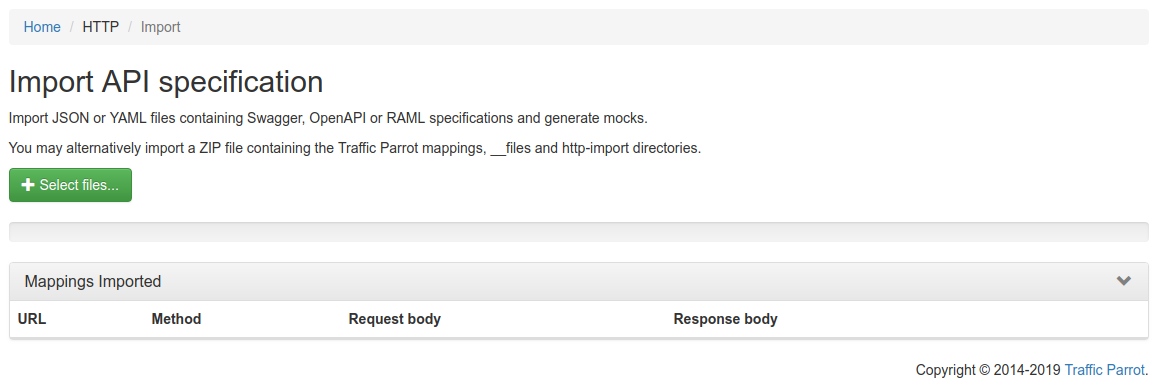
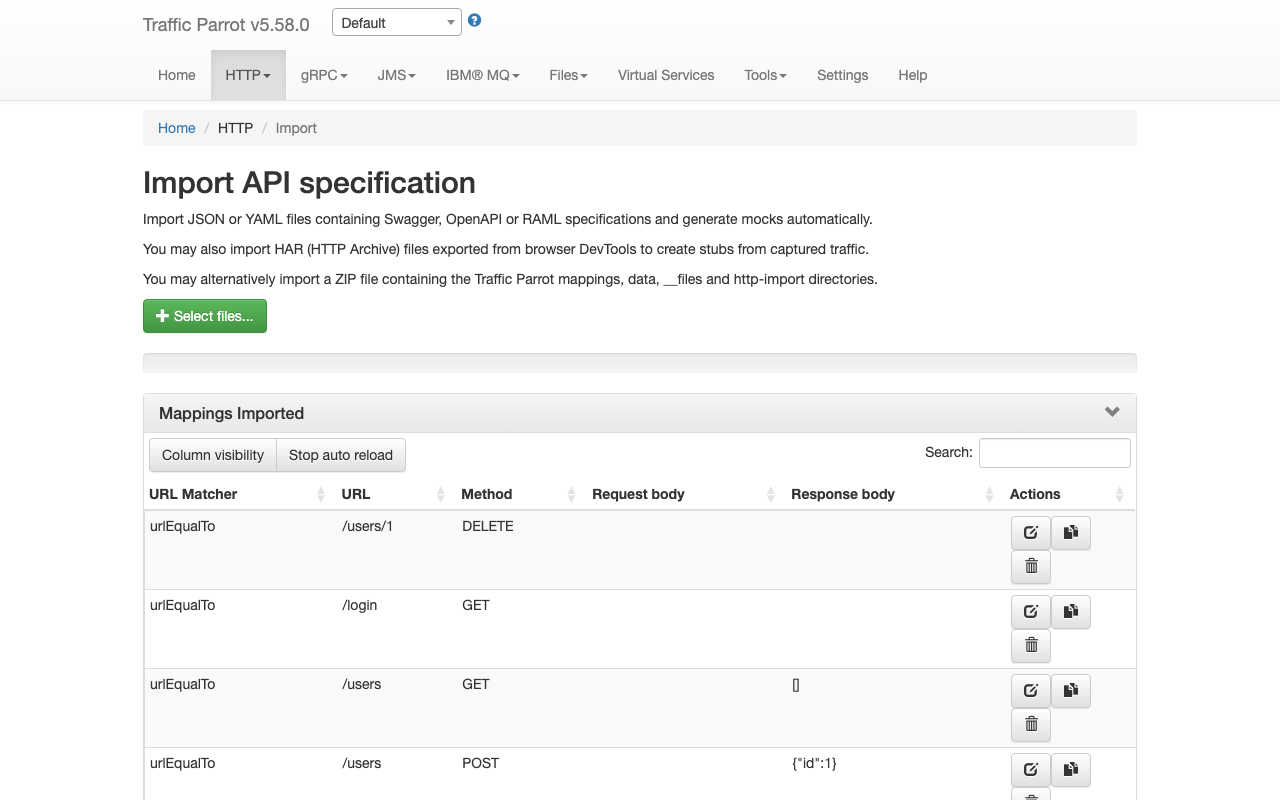
 button to import OpenAPI files. If you import a file with the same name
as a file that was previously imported, it will be overwritten.
button to import OpenAPI files. If you import a file with the same name
as a file that was previously imported, it will be overwritten.